AI-Integrated Industry Training:
Web Development, Data Analytics, Digital Marketing, Java & Python
|
2 Months Practical Training + 1 Month Internship
|
Fee:
₹9,999 per Program
|
Apply Now

What Are AI Tools and Why Students Use Them
AI tools are software applications that use artificial intelligence to understand inputs and generate responses. These tools can read text, analyze data, generate content, explain concepts, and solve problems.
Students use AI tools for many reasons:
- To understand difficult topics
- To summarize notes and articles
- To generate ideas for projects
- To practice coding and problem-solving
- To improve writing and communication
AI tools for students act like assistants. They support learning, but they do not replace thinking. When students understand this difference, AI becomes very helpful.
Why Many Students Do Not Get Good Results from AI Tools
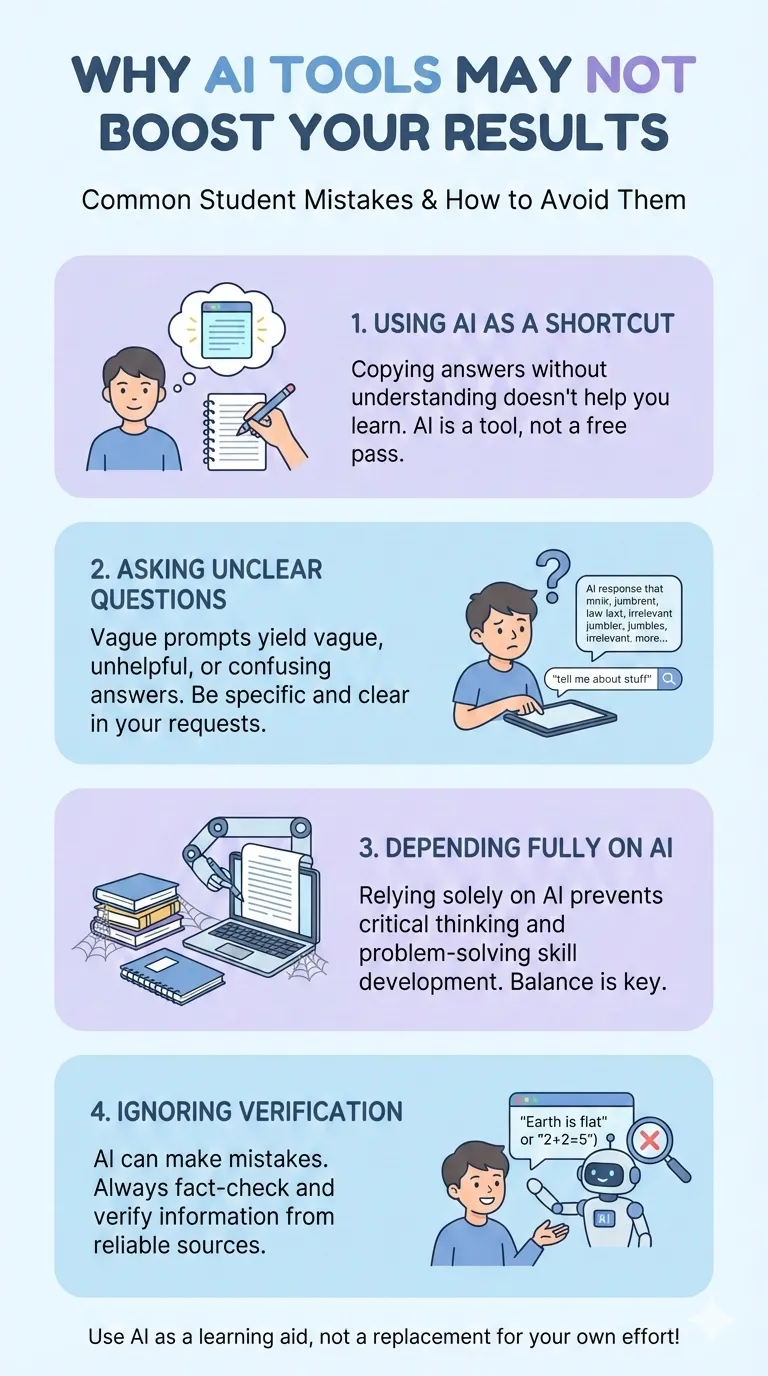
Many students start using AI tools with high expectations. But after some time, they feel that AI is not helping much. This usually happens because of wrong usage.
Common mistakes students make
Treating AI as a shortcut
Some students directly ask AI to complete assignments or write answers. They copy the output without understanding it. This creates surface-level learning and weak concepts.
Asking unclear questions
AI gives responses based on input. If the question is vague or confusing, the answer will also be weak.
Depending fully on AI
AI should assist learning, not replace effort. When students stop reading books, notes, or practicing on their own, learning suffers.
Ignoring verification
AI can make mistakes. Students who do not cross-check information may learn incorrect concepts.
To use AI tools effectively, students must change their approach.
How Students Can Use AI Tools Effectively for Learning
The key to success lies in how students interact with AI tools.
Ask clear and specific questions
Instead of asking:
“Explain AI”
Ask:
“Explain artificial intelligence in simple words with one real-life example for beginners”
Clear questions produce clear answers.
Use AI to understand, not to copy
AI should help you:
- Understand concepts
- Break complex topics into simple parts
- Get examples and explanations
Read the response carefully. Then rewrite it in your own words.
Learn step by step
Do not ask everything at once. Break your learning into small steps and use AI as a guide at each step.
This is how students can use AI tools effectively for learning.
Smart Ways to Use AI Tools for Studies
Smart usage means using AI with intention and discipline.
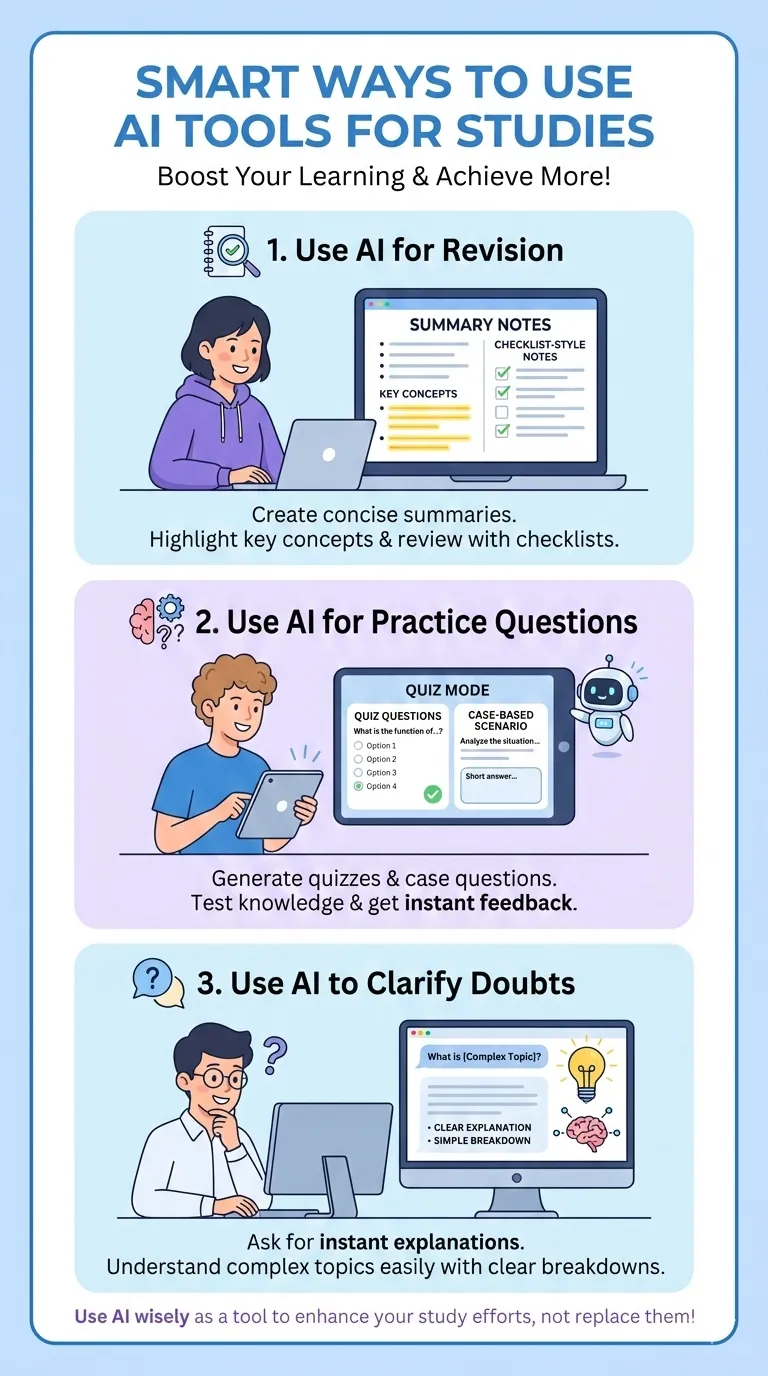
Use AI for revision
You can ask AI to:
Summarize a chapter
Create revision notes
Generate short explanations
This helps during exams and quick reviews.
Use AI to practice questions
AI can generate:
Practice questions
Quiz-style questions
Case-based questions
This improves understanding and retention.
Use AI to clarify doubts
When you feel stuck on a topic, ask AI to explain it in a different way. Sometimes one extra explanation makes things clear.
These are smart ways to use AI tools for studies without harming learning.
AI Tools for Learning and Skill Development
Today, degrees alone are not enough. Skills matter a lot. AI tools can support skill development when used correctly.
How AI tools help students in skill development
AI tools can help students learn:
Programming and coding logic
Content writing and editing
Graphic and UI concepts
Data analysis basics
Communication and presentation skills
For example, a student learning web development can ask AI to explain code logic, suggest improvements, or debug errors.
Learn by doing
Instead of only reading AI responses, practice alongside. Write code, design layouts, or draft content manually. AI should guide, not perform the task for you.
This is where AI tools for skill development truly shine.
AI Tools for College Students to Build Digital Skills
College students must prepare for real-world jobs. Digital skills play a major role in career growth.
AI tools for college students to build digital skills
AI can support:
- Resume writing and improvement
- Project idea brainstorming
- Learning industry tools faster
- Understanding real-world use cases
Students can simulate real scenarios using AI. For example, marketing students can ask AI to explain campaign planning. Computer science students can ask AI to review code logic.
Career-focused learning
When students align AI usage with career goals, learning becomes meaningful. This approach builds confidence and practical knowledge.
Practical Use of AI Tools for Learning and Projects
AI tools are very useful in academic and practical projects when used ethically.
Practical uses:
Students can use AI to:
- Generate project outlines
- Structure reports and presentations
- Understand project requirements
- Improve language and clarity
AI helps organize ideas. But students should always add their own thinking, research, and originality.
Avoid misuse
Never submit AI-generated work without understanding it. Many institutions can detect AI misuse. More importantly, misuse harms your learning.
Ethical usage ensures long-term benefits.
Best AI Tools for Students to Improve Skills
There are many AI tools available today. But using too many tools creates confusion.
How to choose the right AI tools
Instead of trying everything:
- Select tools based on your learning goals
- Use 2–3 tools consistently
- Focus on depth, not quantity
Skill-focused approach
- If your goal is coding, use AI tools that explain logic.
- If your goal is writing, use AI tools that help with structure and clarity.
- This focused approach helps students improve skills faster.
How to Use AI Tools Wisely as a Student
Wisdom in AI usage is about balance.
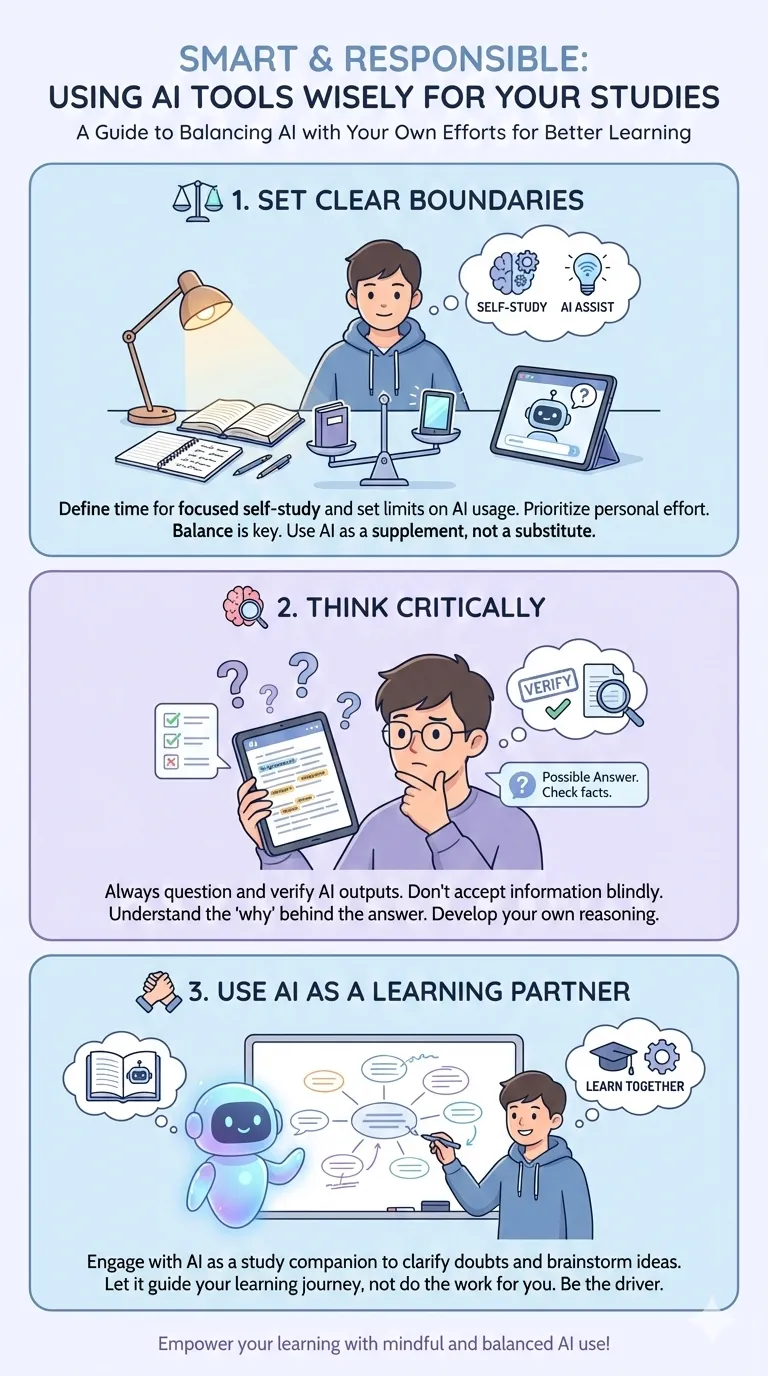
Set clear boundaries
Decide when to use AI and when to study on your own. Do not let AI replace reading, thinking, or practicing.
Think critically
Always ask:
- Does this answer make sense?
- Can I explain this to someone else?
- Should I verify this information?
Use AI as a learning partner
AI should feel like a mentor or assistant, not a shortcut machine.
This is how to use AI tools wisely as a student.
How AI Tools Help Students Get Better Academic Results
When used correctly, AI tools can positively impact academic performance.
AI tools for students to get better academic results
AI helps students:
- Understand concepts faster
- Reduce confusion
- Improve revision efficiency
- Gain confidence before exams
Better understanding leads to better performance. AI supports learning speed, not cheating.
Effective Use of AI Tools for Students and Beginners
Beginners often feel overwhelmed by AI. But starting simple works best.
Tips for beginners
- Start with basic questions
- Focus on understanding responses
- Practice alongside AI
- Keep learning goals clear
Effective use of AI tools for students and beginners builds a strong foundation.